> For the complete documentation index, see [llms.txt](https://docs.espressosys.com/network/llms.txt). Markdown versions of documentation pages are available by appending `.md` to page URLs; this page is available as [Markdown](https://docs.espressosys.com/network/network/delegation-ui.md).
# Delegate $ESP
If you don’t run an Espresso validator, you can still put your $ESP tokens to work by **delegating** them. Delegation means you temporarily assign your tokens to an Espresso validator, who stakes them on your behalf. In return, you earn staking rewards, minus the validator’s commission.
**To delegate your tokens please visit:** [**https://stake.espresso.network/**](https://stake.espresso.network/)
## Connecting Your Wallet
* Click `Connect Your Wallet`.
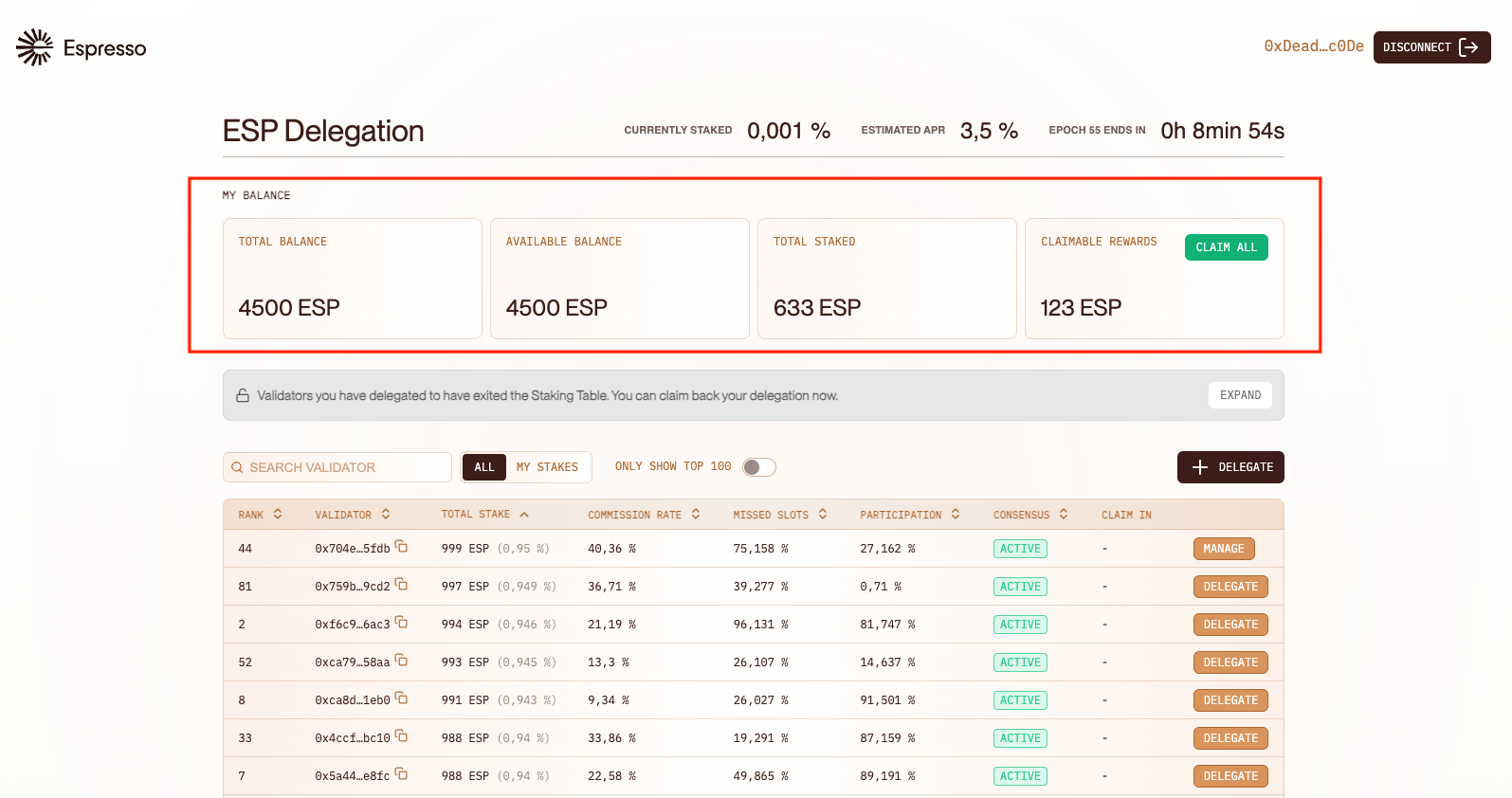
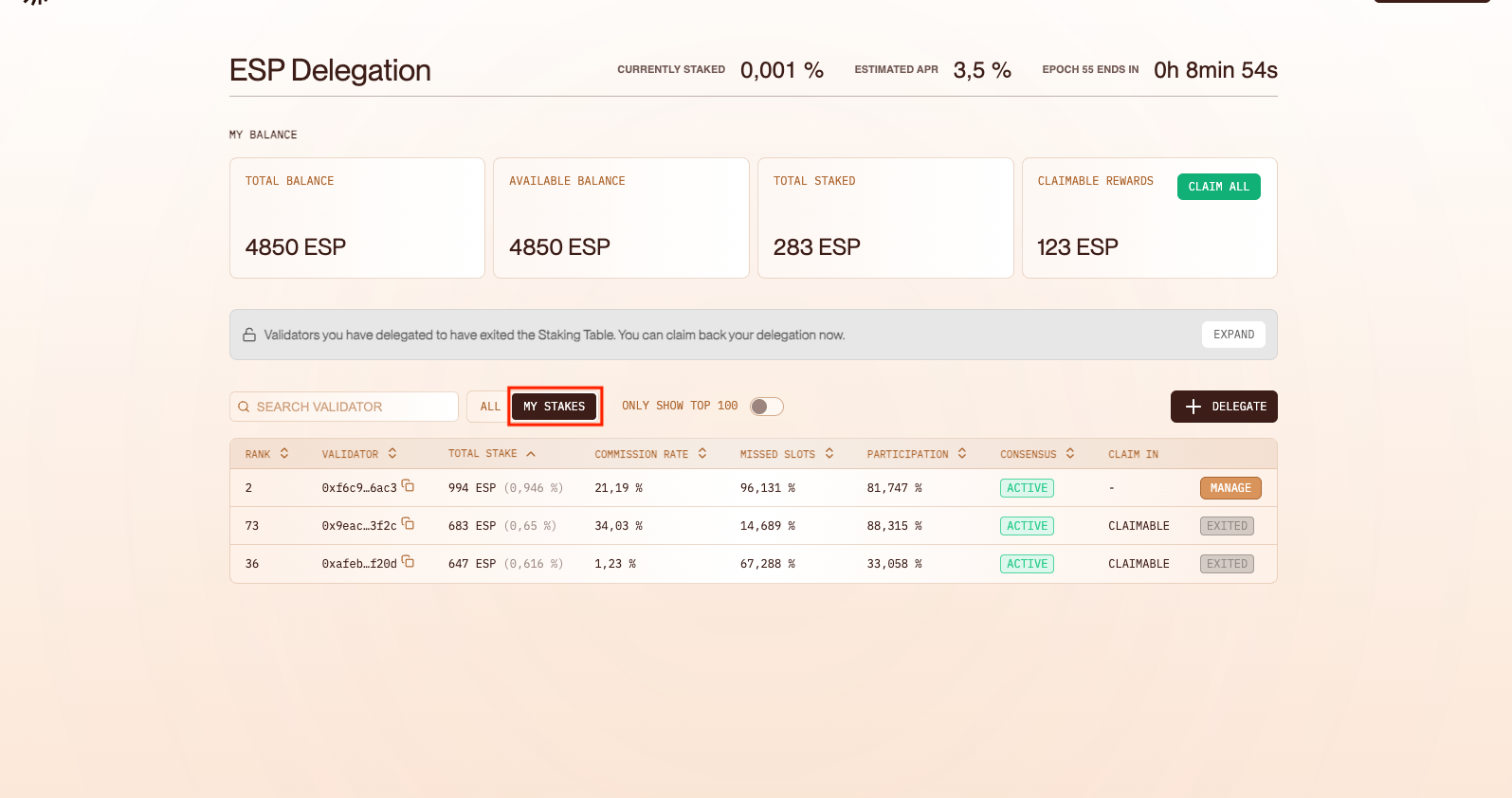
* Once connected, you’ll see key account information, such as your available balance, your staked amount or your claimable rewards.
## Choosing a Validator
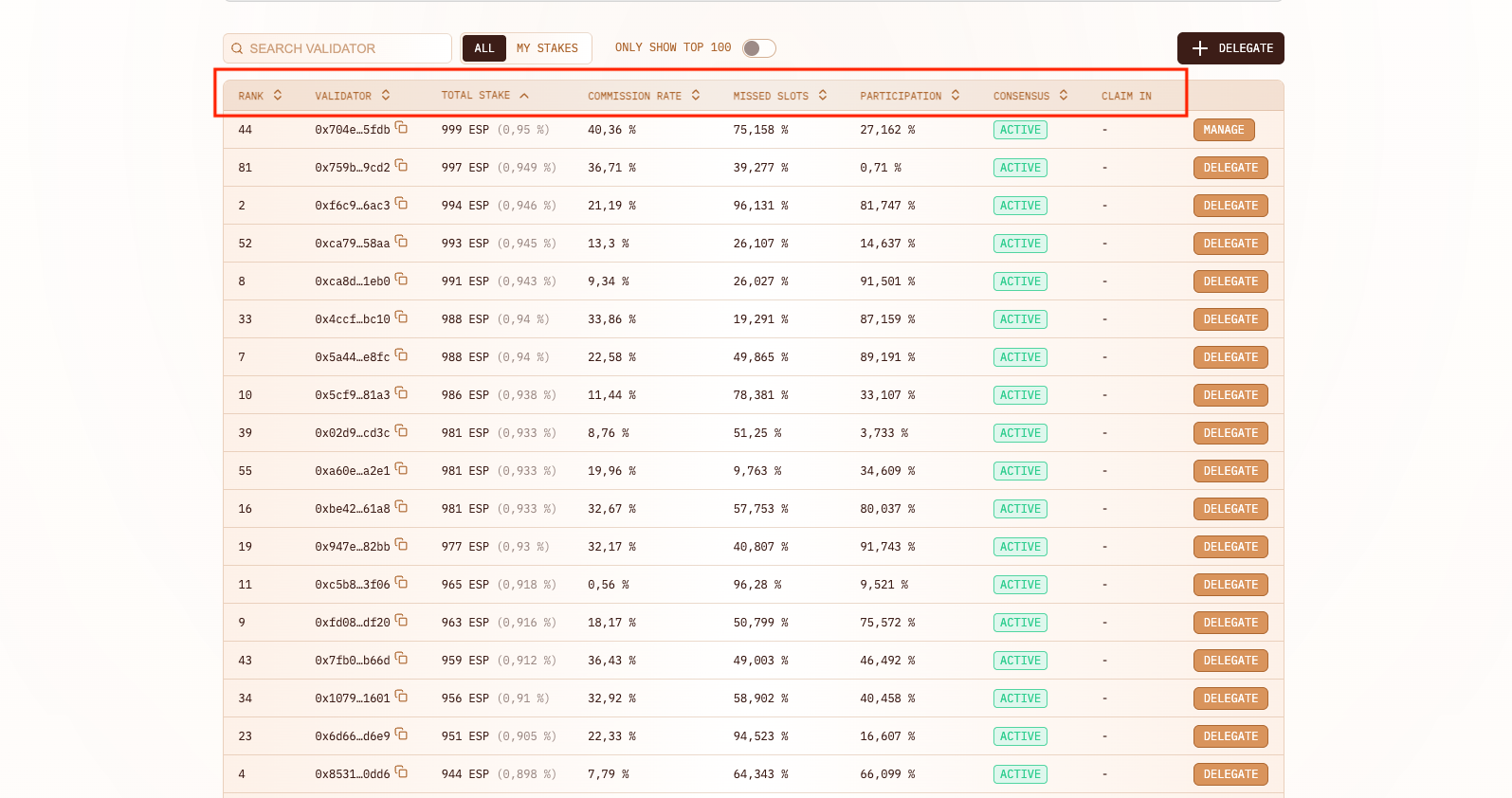
Each validator sets a commission rate, which is deducted from your rewards in exchange for running the infrastructure that stakes your tokens. When selecting a validator, you can consider helpful data including: total stake, commission rate or missed slots.
**NOTE:** Only top 100 validators are eligible to receive rewards. If you delegate to a validator outside the top 100, you will **not** receive rewards till they enter the top 100.
## Delegating Your Tokens
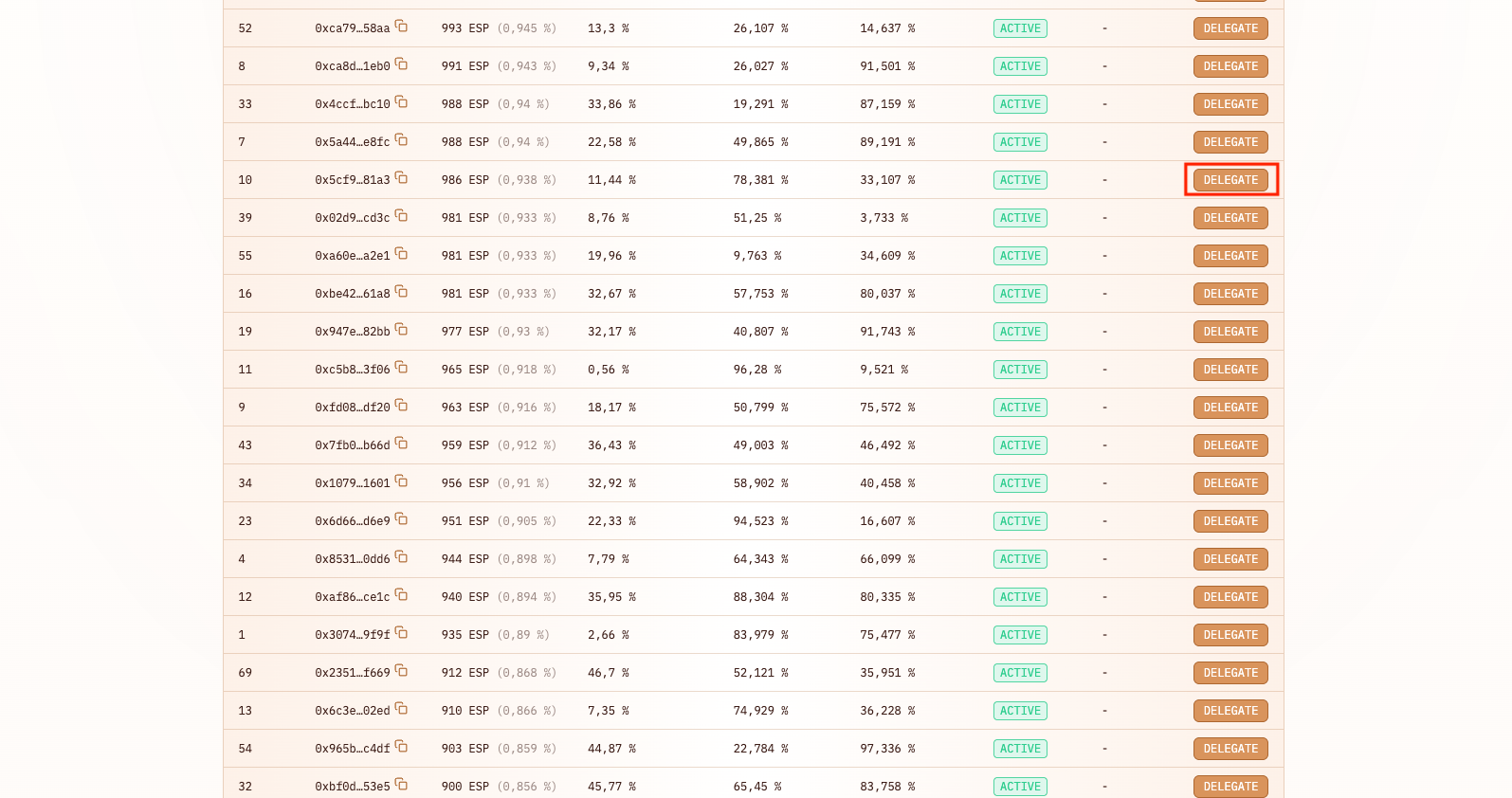
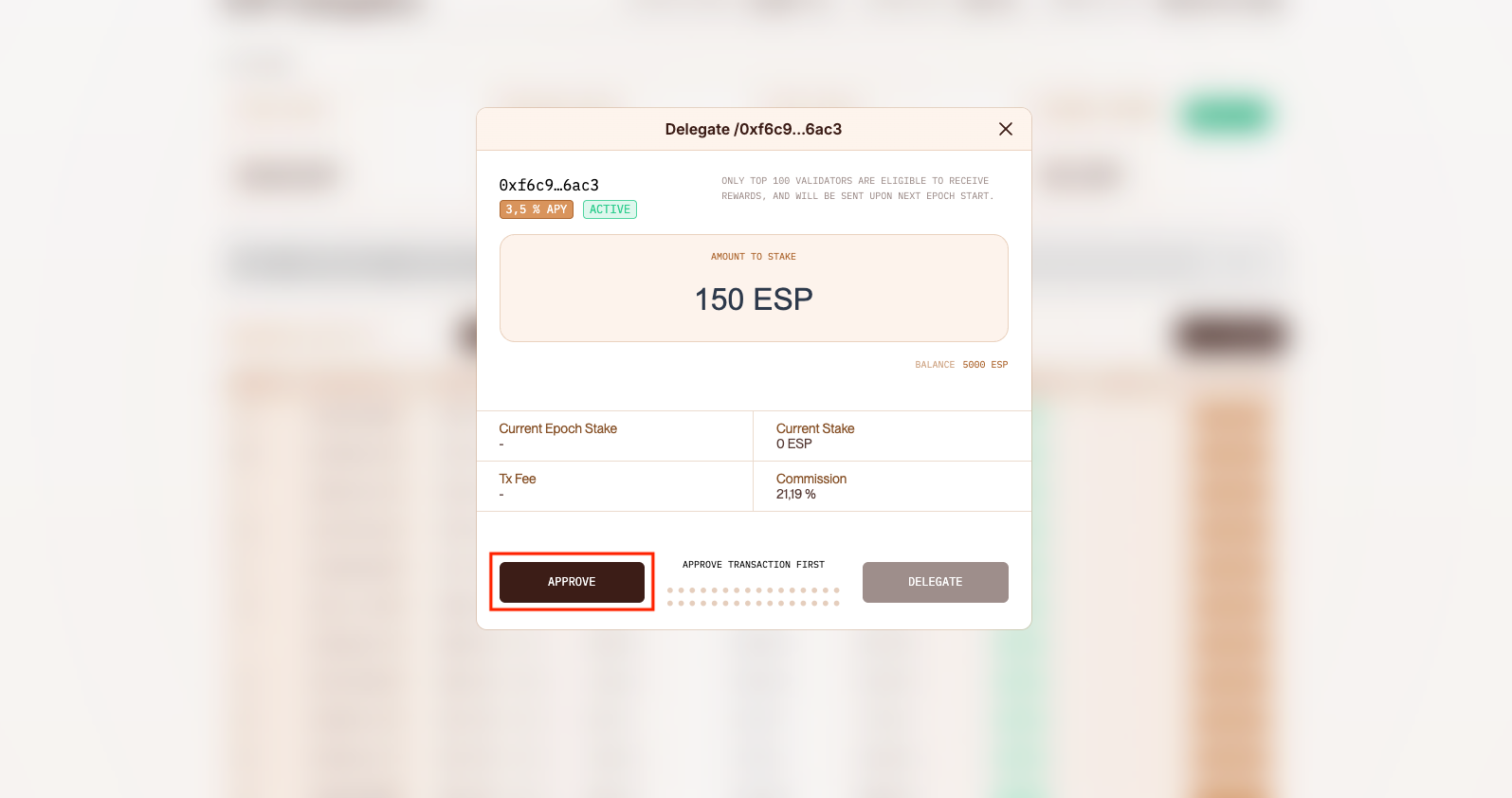
* Once you select a validator, click `Delegate`.
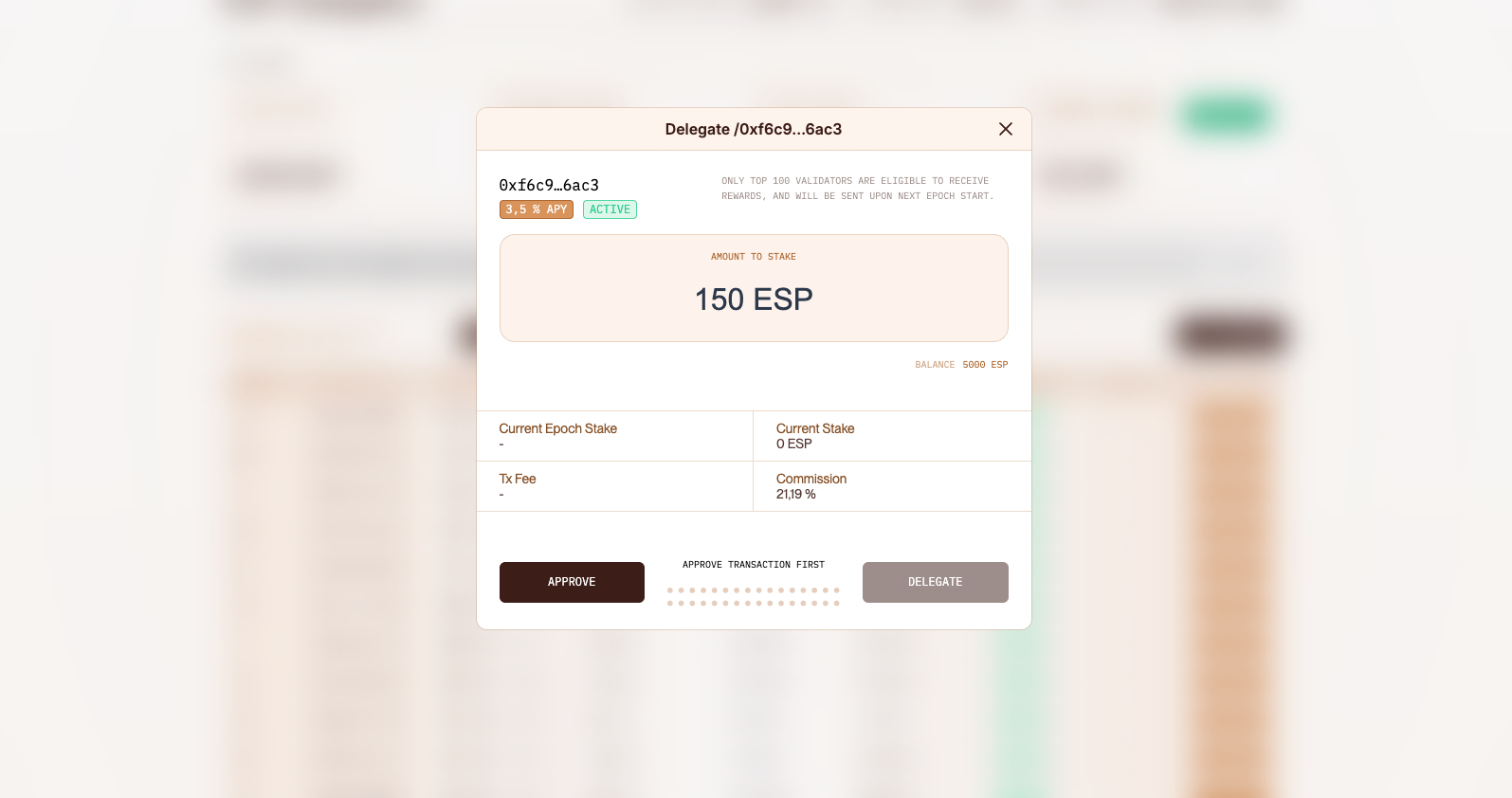
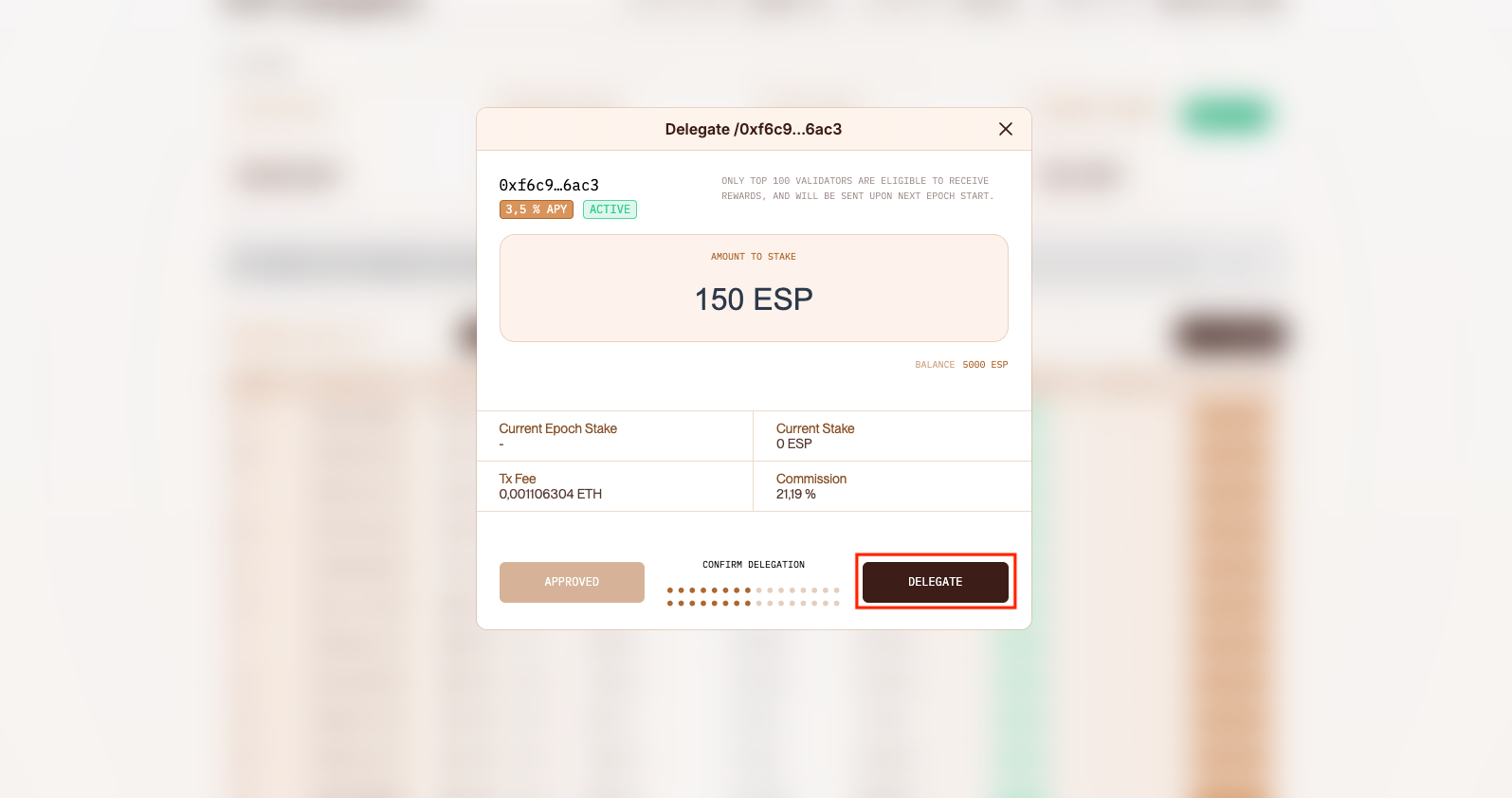
* Review key validator details (e.g., APY, commission), then choose the amount of $ESP you want to delegate.
* Approve the transaction.
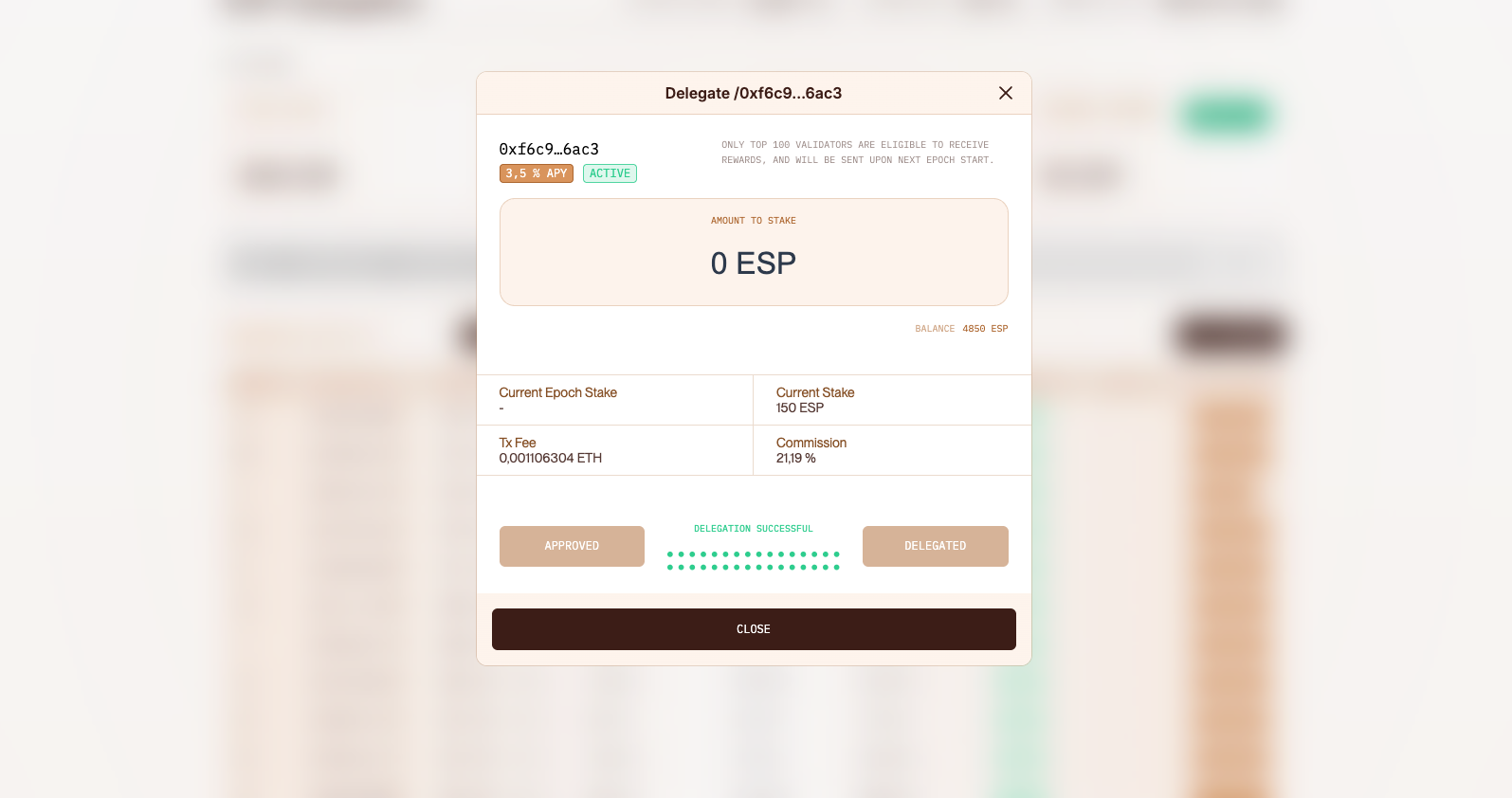
* Confirm the delegation.
## Manage Your Stakes
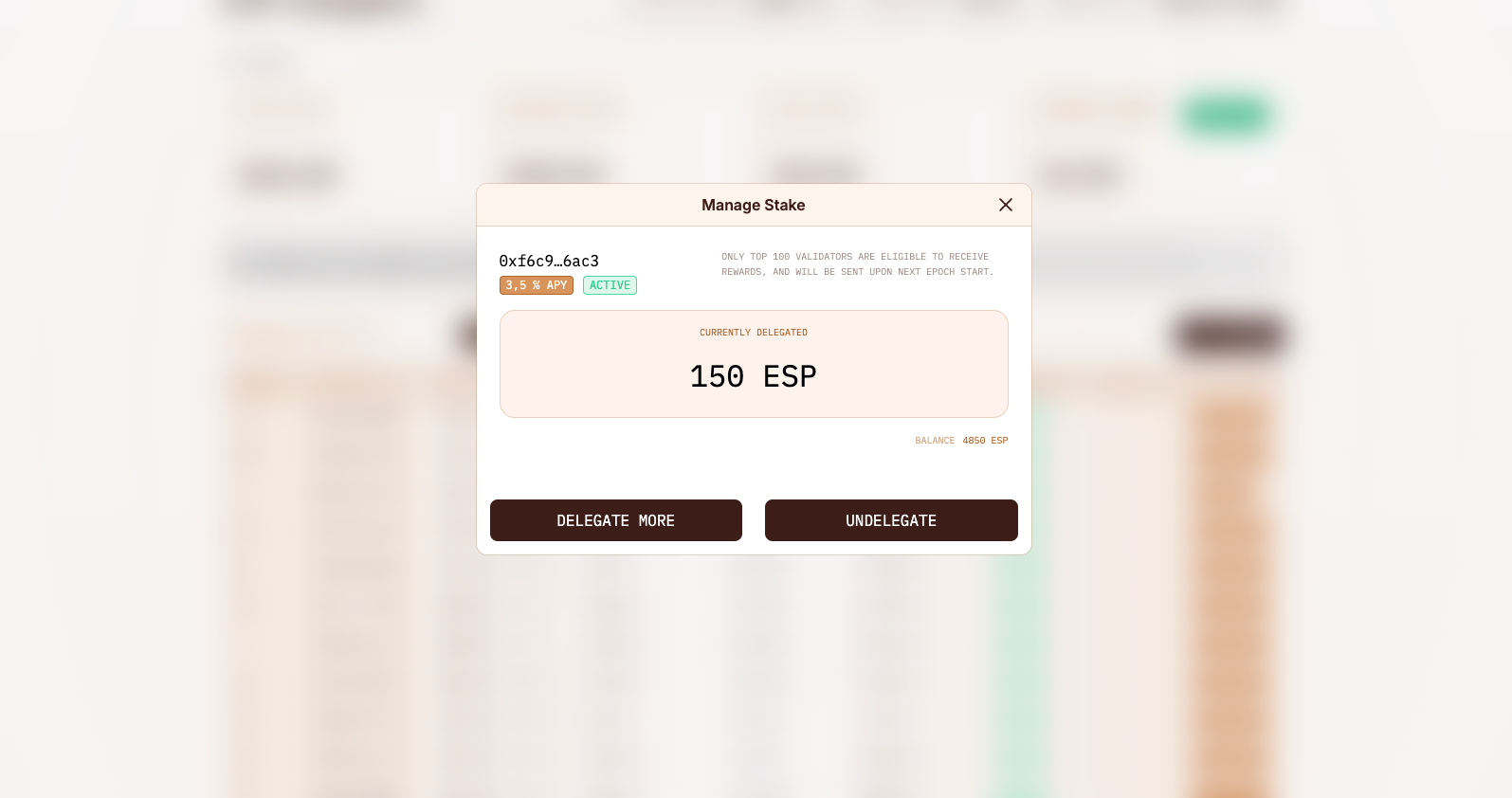
After your delegation transaction has been confirmed, you will start getting rewards. You can check your current stakes in the `My Stakes` section.
* Click `Manage` next to the validator you want to adjust.
* From here, you can **delegate more** or **undelegate**.
* When undelegating, you may choose to **remove all your stake** or **only part of it**.
* Note that it takes around 7 days to complete your undelegation, and you can only have one pending undelegation per validator at any given time.
## Claiming Your Rewards
Once you've delegated, rewards accrue automatically every time the validators you've delegated to propose blocks (see the [staking-cli README](https://github.com/EspressoSystems/espresso-network/blob/main/staking-cli/README.md) for how rewards are calculated). Your **claimable rewards** balance is visible on the dashboard after you connect your wallet, but rewards are **not** credited to your wallet automatically. You must claim them on Ethereum.
To claim:
* Open your dashboard and locate the **claimable rewards** balance.
* Initiate the claim from the dashboard and approve the resulting Ethereum transaction in your wallet.
The transaction calls the Reward Claim contract on Ethereum (see [Networks → Contracts](/network/network/networks.md#mainnet)), which verifies a Merkle proof of your lifetime rewards against the onchain Light Client and mints the difference between what you've earned and what you've already claimed.
A few things to keep in mind:
* The contract tracks **lifetime** rewards rather than per-claim amounts, so you can claim as often or as rarely as you like. There's no penalty for waiting and accumulating.
* Each claim is an on-chain Ethereum transaction, so gas costs apply. Less frequent claims can reduce overall gas spend.
* Rewards do **not** compound automatically. To compound, claim and then re-delegate the claimed tokens. See the [staking-cli README](https://github.com/EspressoSystems/espresso-network/blob/main/staking-cli/README.md).
* For deployed Reward Claim contract addresses on each network, see [Networks → Contracts](/network/network/networks.md#mainnet).